
Survivor at sunset
YOUR DAYZ COMPANION · WINDOWS

Your DayZ.
Your tools.

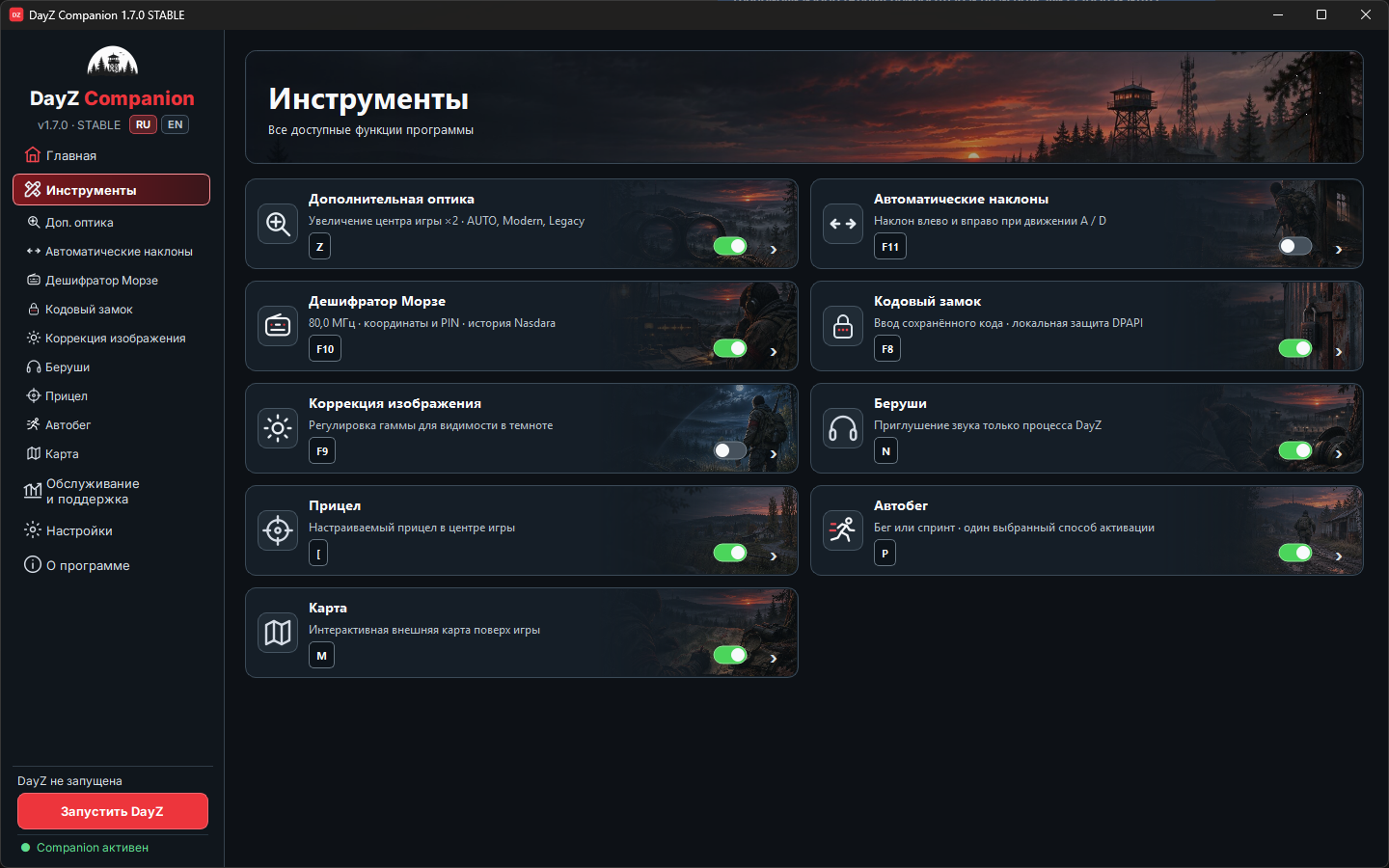
Nine useful tools in one free Windows app. Simplify routine actions, adjust visuals and sound, and use the map while you play.

● STABLE v1.7.0◉ Portable ZIP✧ Free
Features

Nine tools. One app.

Access all your tools and settings in one place instead of juggling separate utilities.

Buildings in a valley are visible through binocular lenses

Extra Zoom (Magnifier)

Magnify the center of the screen for a closer look at your target.

Uses Windows screen magnification to enlarge a circular area in the center of your display. Take a closer look at distant targets and small details without changing the optics in DayZ.
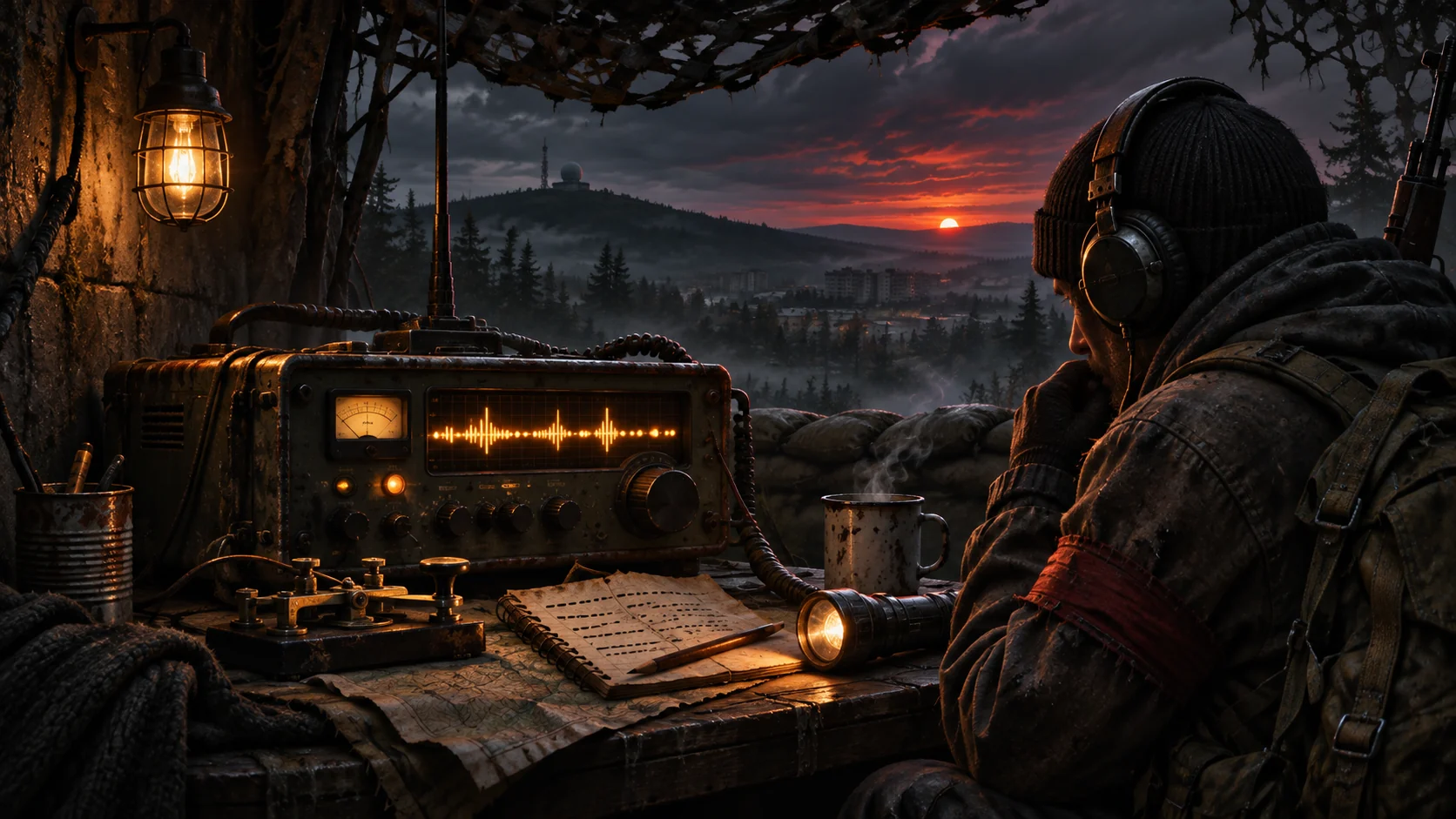
A survivor wearing headphones listens to a radio receiver

Morse / Nasdara

Decode Morse signals into bunker coordinates and an access code.

Listens to DayZ audio and decodes Morse signals on Nasdara. A small in-game overlay displays the incoming signals and digits as they are decoded. When the message is complete, it shows the bunker’s X/Y coordinates, PIN code, and how many times the message was repeated. Results are saved in the history.

A moonlit valley with part of the scene brightened

Gamma

Brighten the image to see more clearly during DayZ’s darkest nights.

Nights in DayZ can be so dark that the environment is hard to make out. Adjust gamma to better see terrain, buildings, and landmarks without repeatedly changing your monitor settings.

A survivor inserts an earplug beside a pair of headphones

Earplugs

Turn down loud DayZ sounds so you can hear your friends on Discord.

Engines, vehicles, and other loud in-game sounds can drown out voice chat. Earplugs quickly reduce DayZ’s volume without turning down Discord or other apps, making team communication easier.

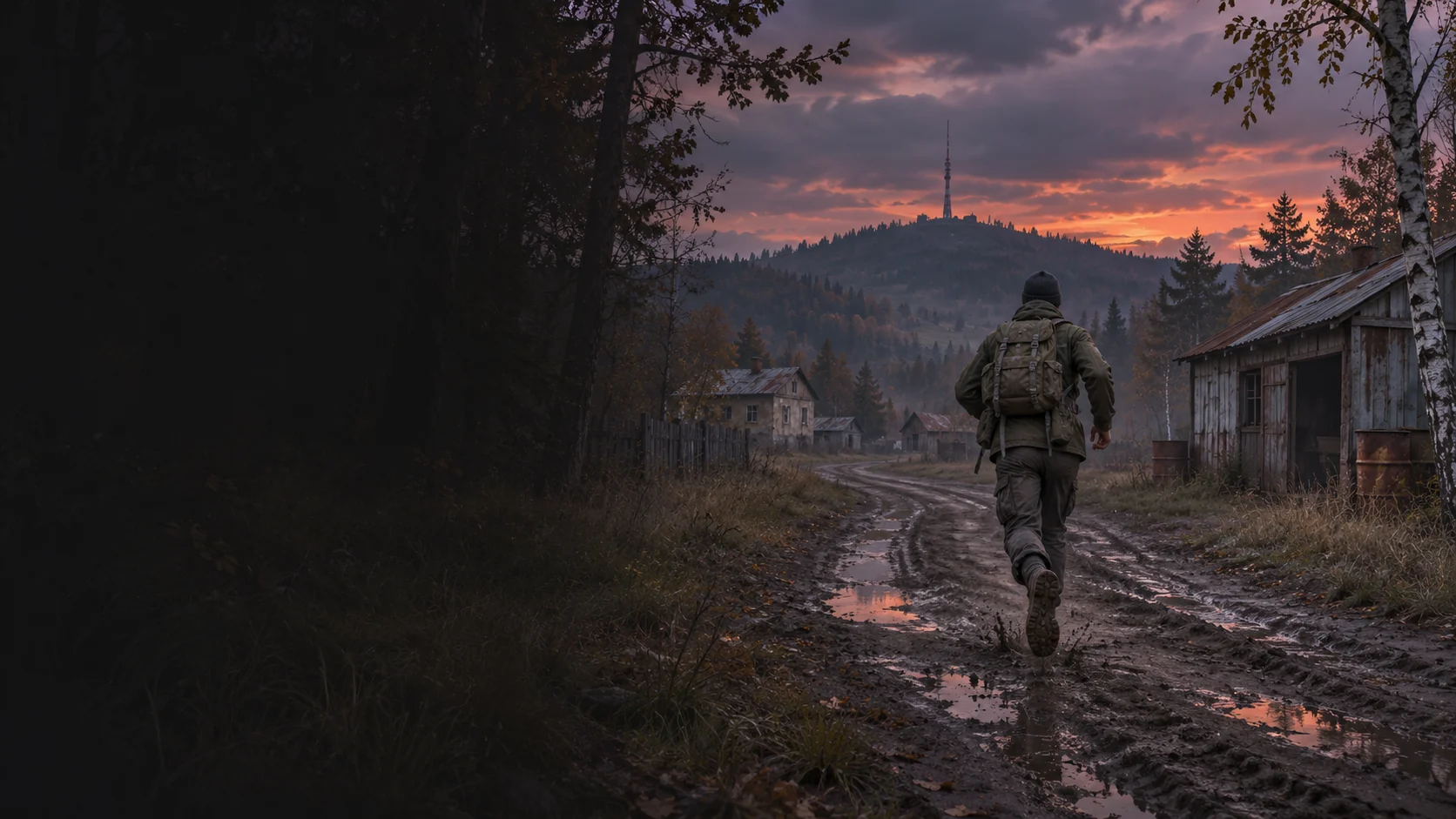
A survivor runs down a muddy road between houses

Auto-run

Travel long distances without holding down movement keys.

DayZ’s large maps mean long journeys. Enable auto-run to keep your character moving without holding a key. Steer with your mouse and adjust your route as needed.

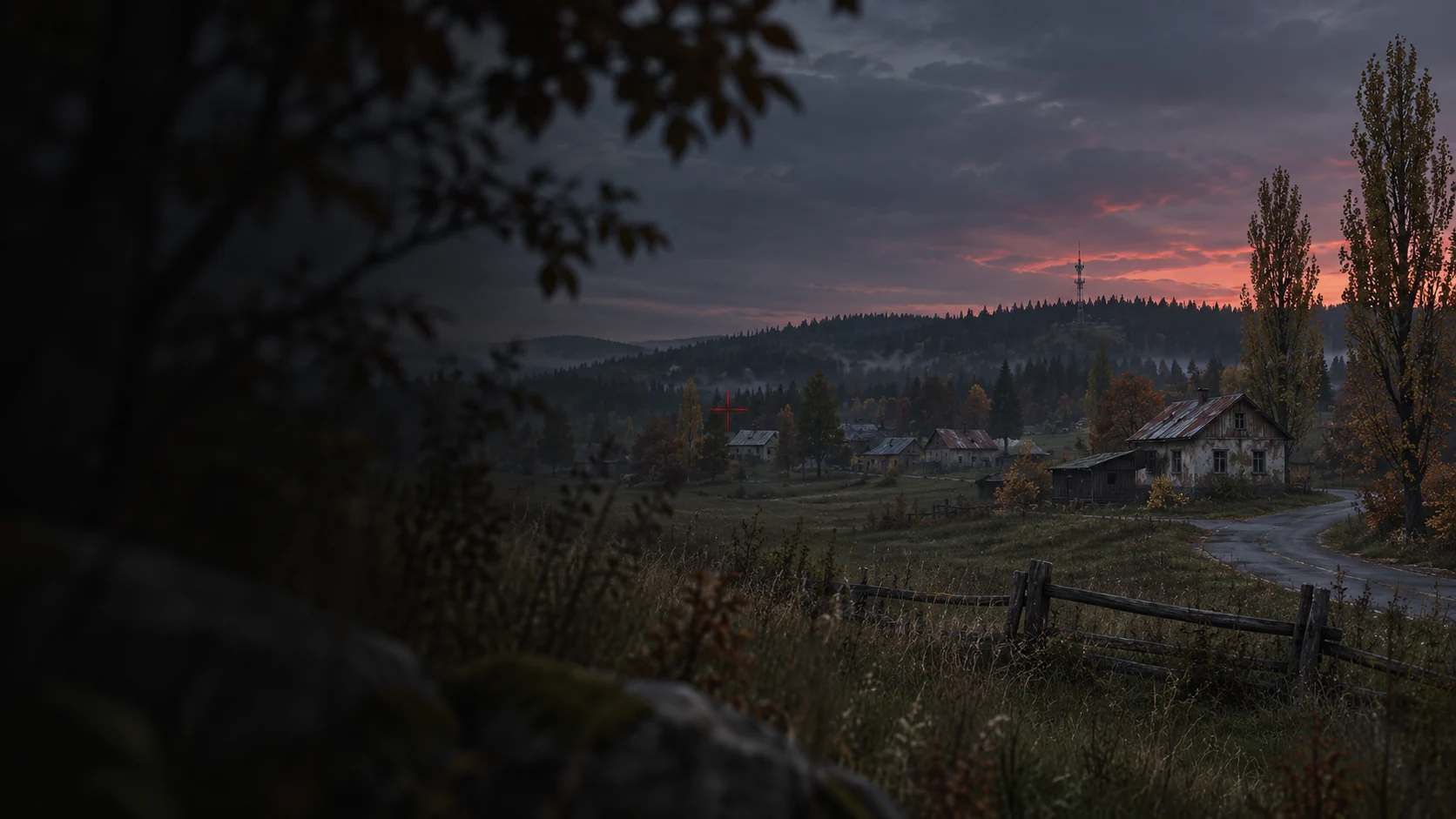
A hilltop view of a village at sunset

On-screen Crosshair

A customizable dot or crosshair in the center of your screen.

Displays a small aiming marker over the game — either a dot or a crosshair. Adjust its shape, color, size, and position to suit your preference.

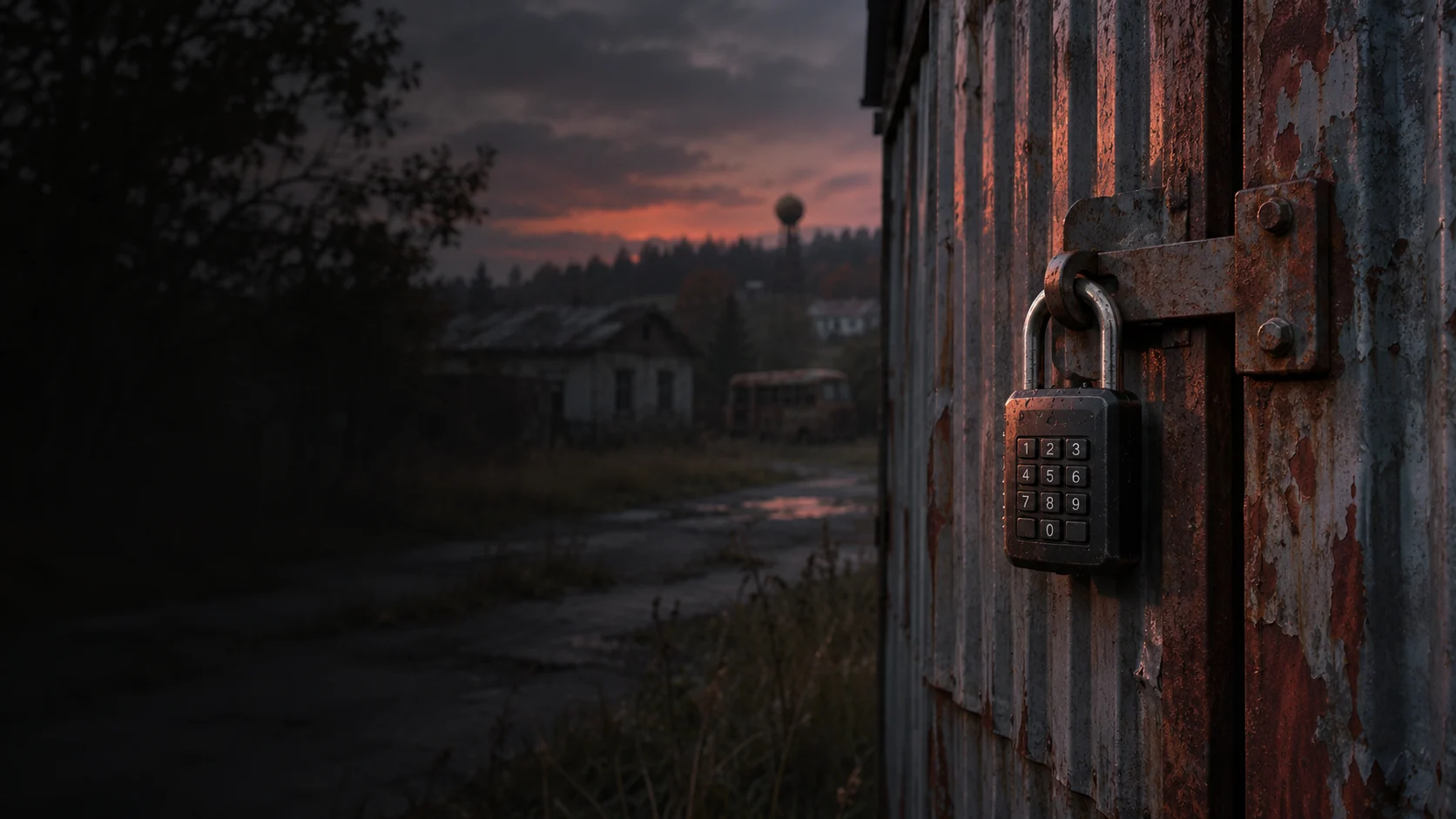
A combination padlock on a rusty metal gate

Code Lock

Enter a six-digit lock code automatically with one hotkey.

Save your six-digit code and assign a hotkey. When you approach the lock, Companion types the combination and presses Enter. No need to remember and retype a long code every time.

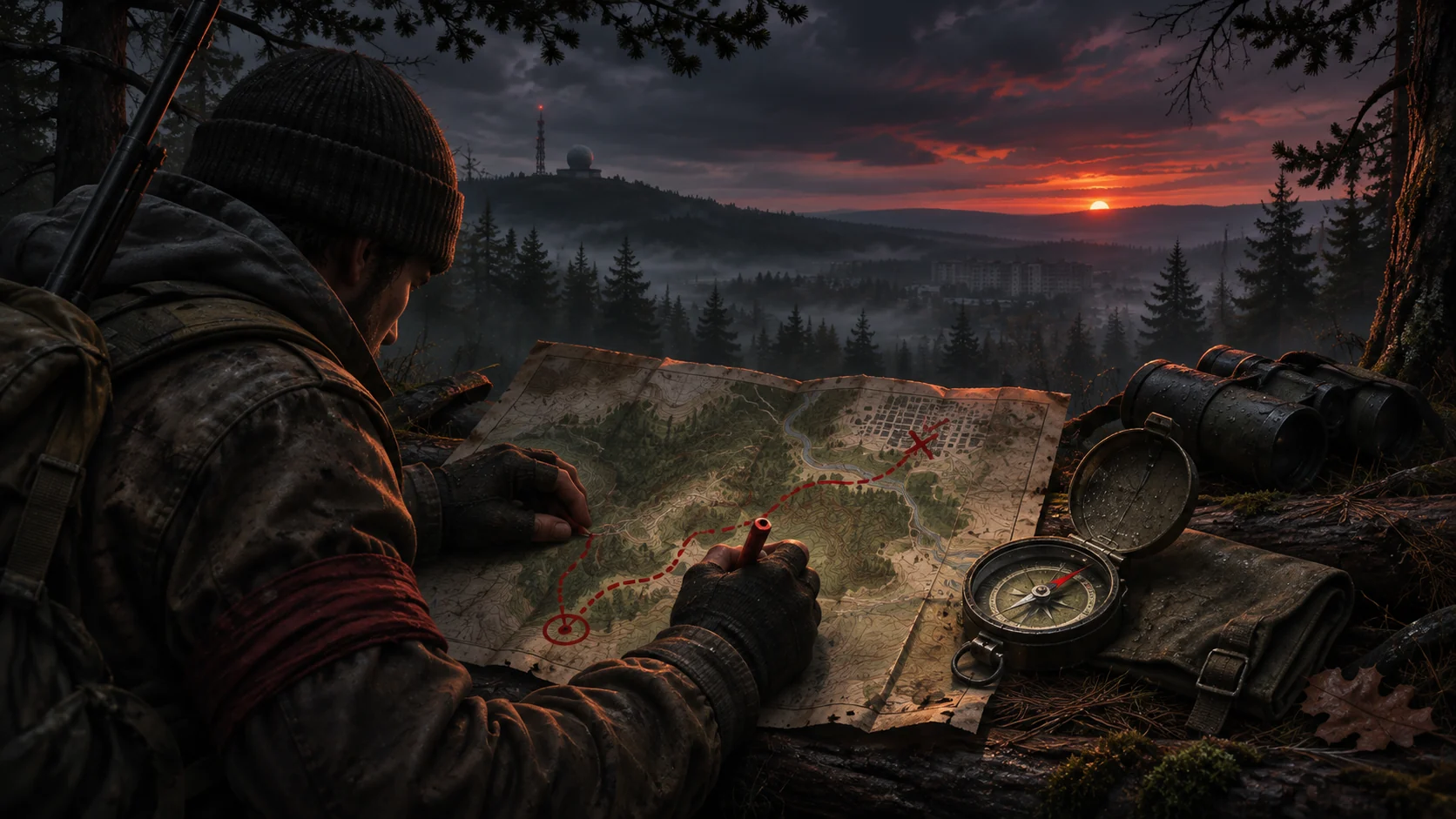
A survivor studies a paper map beside a compass

Maps

DayZ maps to help you navigate the game world.

Explore game location maps and use them to find your way around DayZ.

A survivor peeks around the corner of a building

Auto-lean

Automatically lean left or right while moving sideways.

Press A or D to make your character lean left or right accordingly. This can help when peeking around corners and moving near cover.

▤Everything in one place

One control panel instead of a collection of separate windows.

⌘Hotkeys

Customizable shortcuts for supported tools.

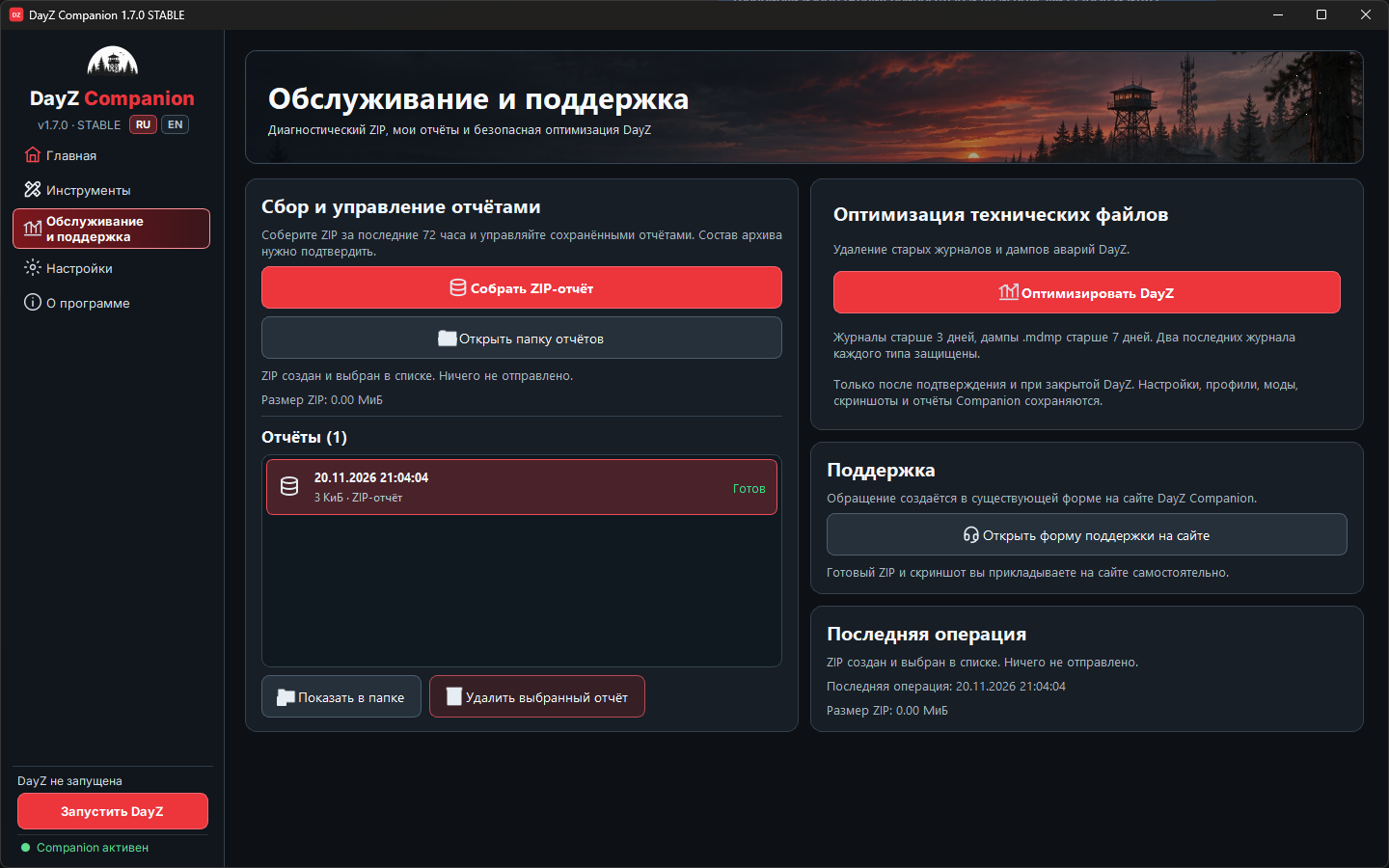
▧Diagnostics and support

Generate a diagnostic report and contact the developer.

1.7.0 STABLE

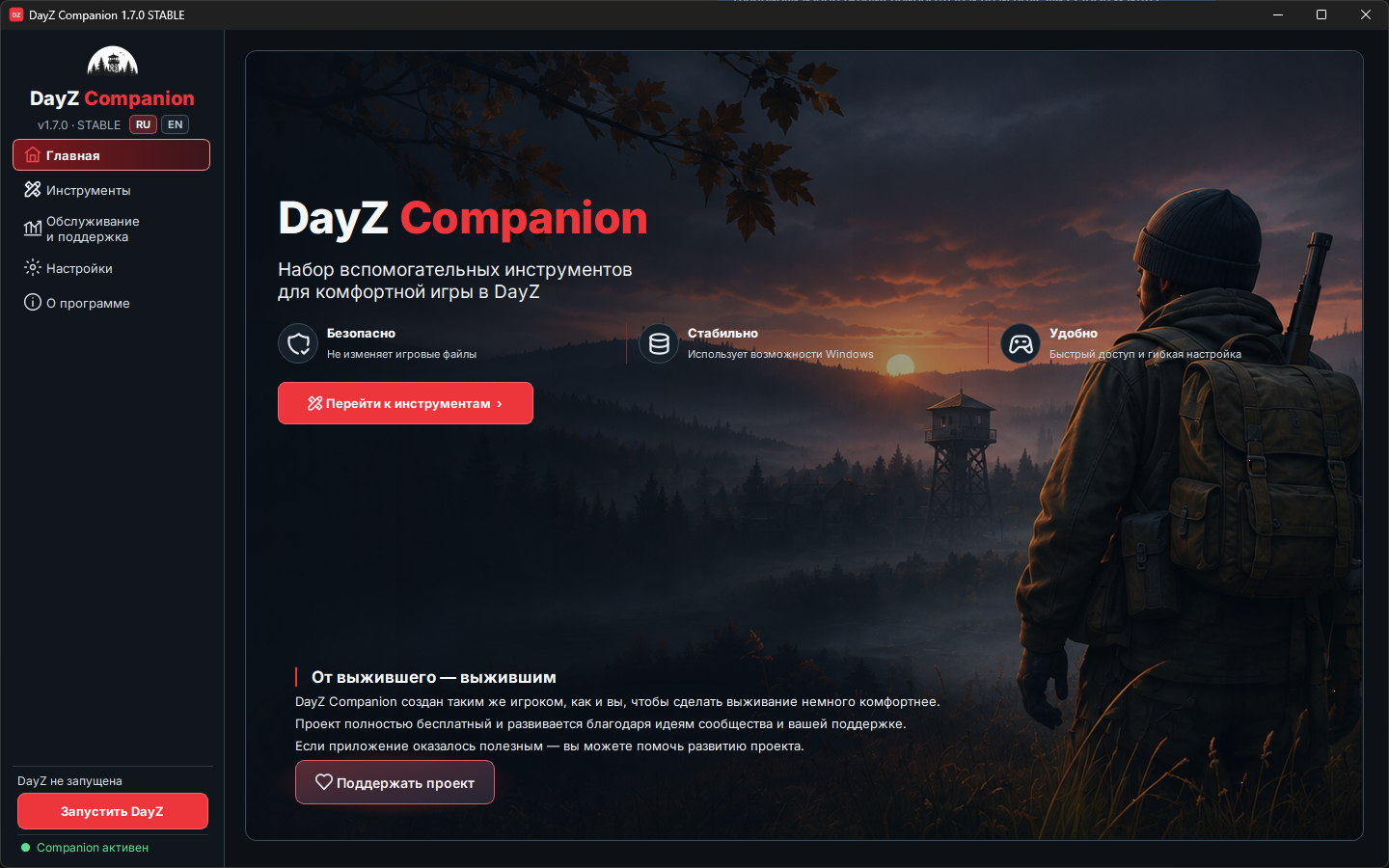
DayZ Companion Interface

Home, tools, and diagnostics in DayZ Companion 1.7.0 STABLE. Screenshots are in Russian.

DayZ Companion control center home screen
Home
DayZ Companion library of nine tools
Tools
Maintenance and support screen with diagnostic ZIP reports
Diagnostics
Download

No installer required

STABLE · v1.7.0

DayZ Companion for Windows

Download the official portable ZIP, extract it to a folder of your choice, and run the app. Releases are hosted on GitHub.

View the 1.7.0 release notes ↗
↓ Download ZIP
Feedback

Have a question, bug report, or idea?

Help us improve DayZ Companion. Report a problem, suggest a feature, or ask a question about the app.

Contact the developer

Open the support form on Yandex Forms (currently in Russian). You can attach a diagnostic ZIP or screenshot if needed. Never submit passwords, security keys, or anyone else’s personal information.

Open support form ↗
Frequently Asked Questions

About DayZ Companion

A few essentials about how the app works and what to know before using it.

Is DayZ Companion free?

Yes. The app is free, with no subscriptions or paid tools. If it has been helpful, you can choose to support its development.

Do I need to install DayZ mods?

No. Companion runs separately from DayZ and does not require in-game mods. You can enable and configure its tools in the app.

Does Companion modify DayZ files?

Companion runs as a separate Windows application and does not modify DayZ game assets or executable files. Its tools use Windows features to work with audio and visuals, display overlays, and send keyboard input.

Can I use these tools on any server?

Server rules vary. Some communities restrict third-party software and automation. Check your server’s rules before using these tools.