 DayZ Companion
 DayZ Companion tool
Auto Lean for DayZ
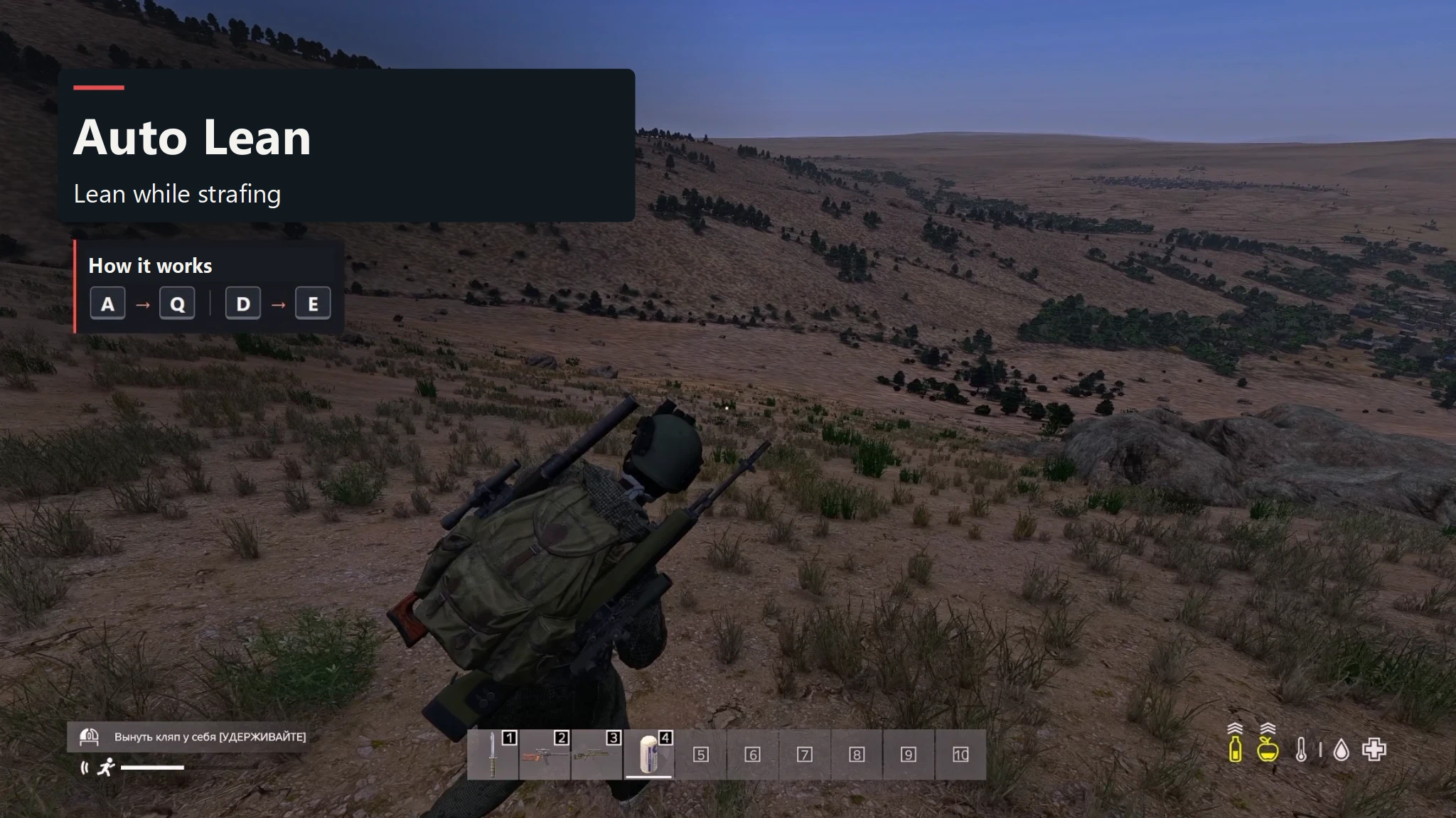
Automatically lean left or right when you strafe in DayZ.
Features
Links strafing to leaning
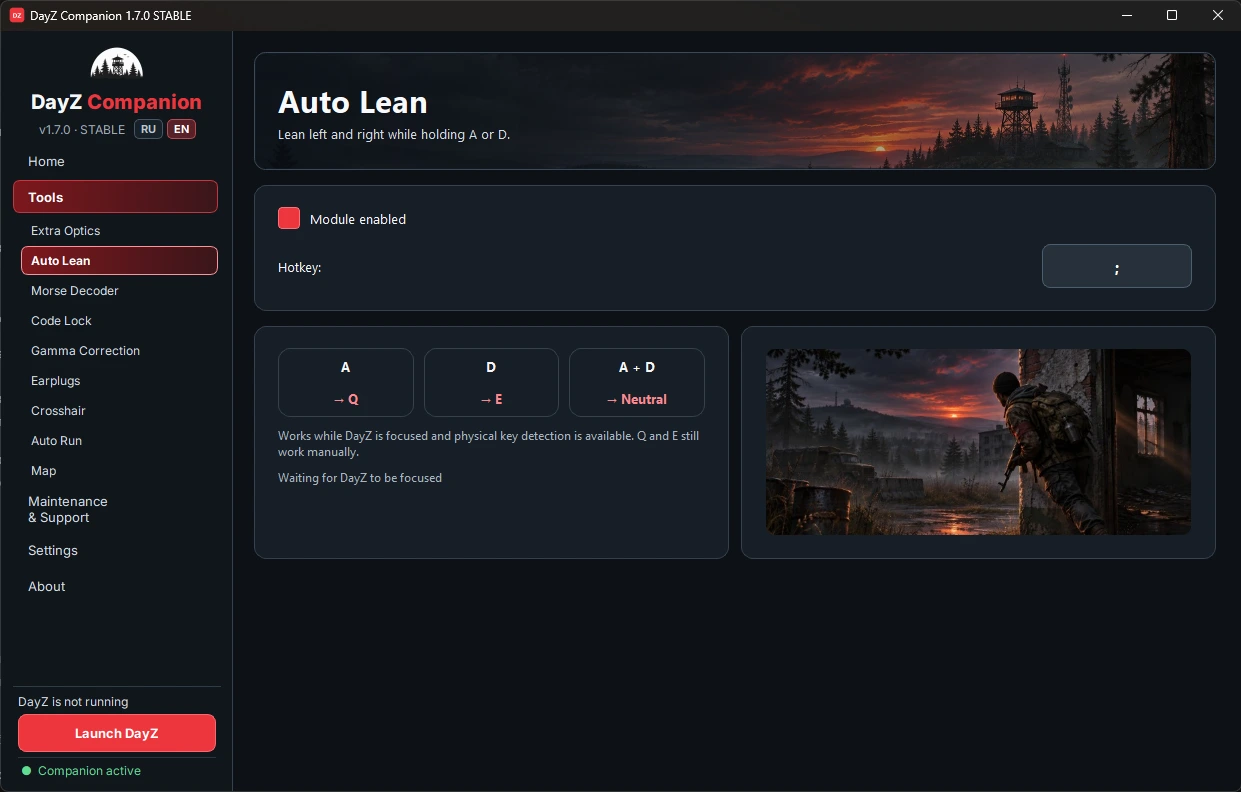
In Auto Lean, A triggers Q and D triggers E. A and D together return to neutral.
Toggles with a hotkey
Assign a hotkey to turn automatic leaning on and off.
Companion interface
Open the screenshot to take a closer look at the interface.
How to set up Auto Lean
Check the game controls
Check that A and D strafe, and Q and E lean, in DayZ.
Set up Companion
Open Auto Lean, enable the tool and assign its toggle key.
Check it in DayZ
Try moving left and right. To turn the tool off, press the hotkey you assigned earlier.
Frequently asked questions
How does Auto Lean work?
Companion sends keyboard input through Windows: A triggers Q, D triggers E. A and D together return to neutral. DayZ must be focused; check the server rules.
Why does only one side work?
Check that the default DayZ bindings for strafing and leaning are active.
Can I still lean manually?
Yes. Q and E are not blocked. Use them normally when not strafing left or right, or disable the tool to restore normal controls.
Does Shift affect Auto Lean?
No. Automatic leaning depends on A and D. When the module is disabled or DayZ loses focus, Companion releases the lean keys it holds.


Download DayZ Companion
Find the current build and first-run instructions on the download page.