 DayZ Companion
 DayZ Companion tool
Earplugs for DayZ
Turn DayZ down temporarily during loud moments in the game.
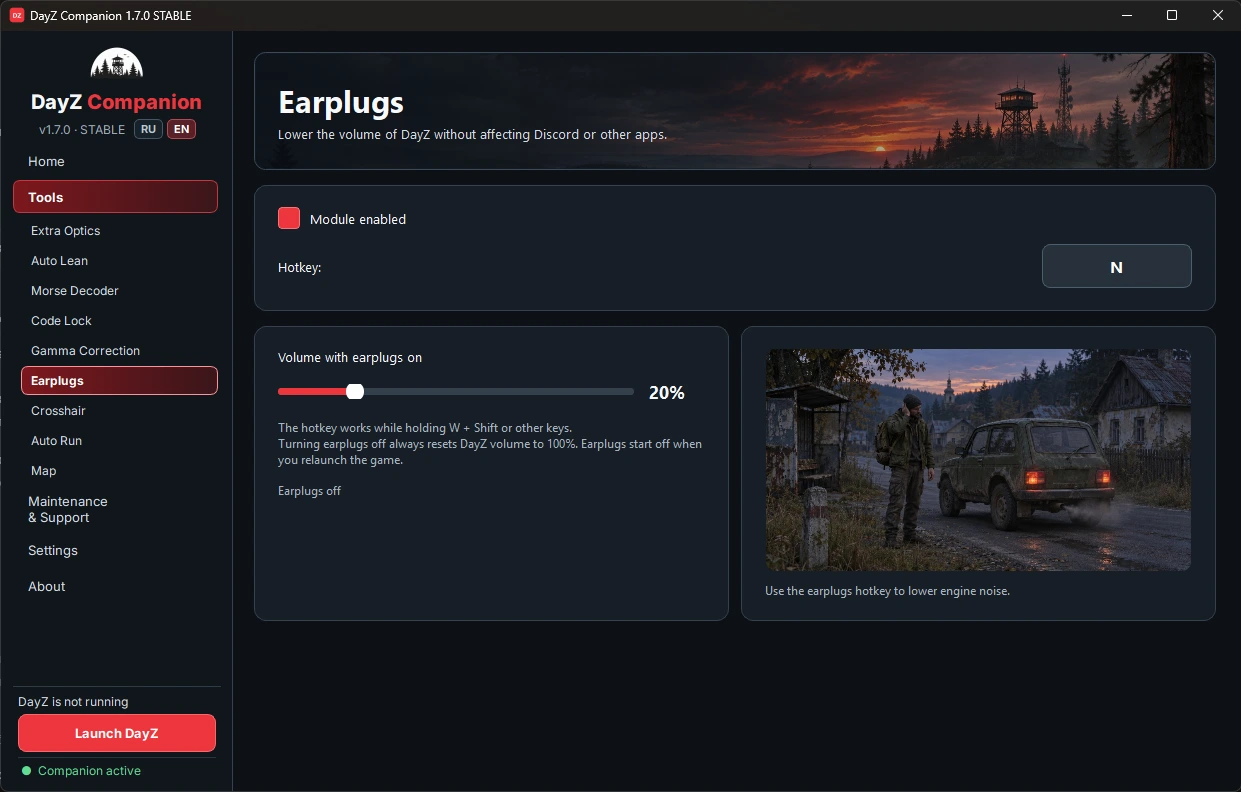
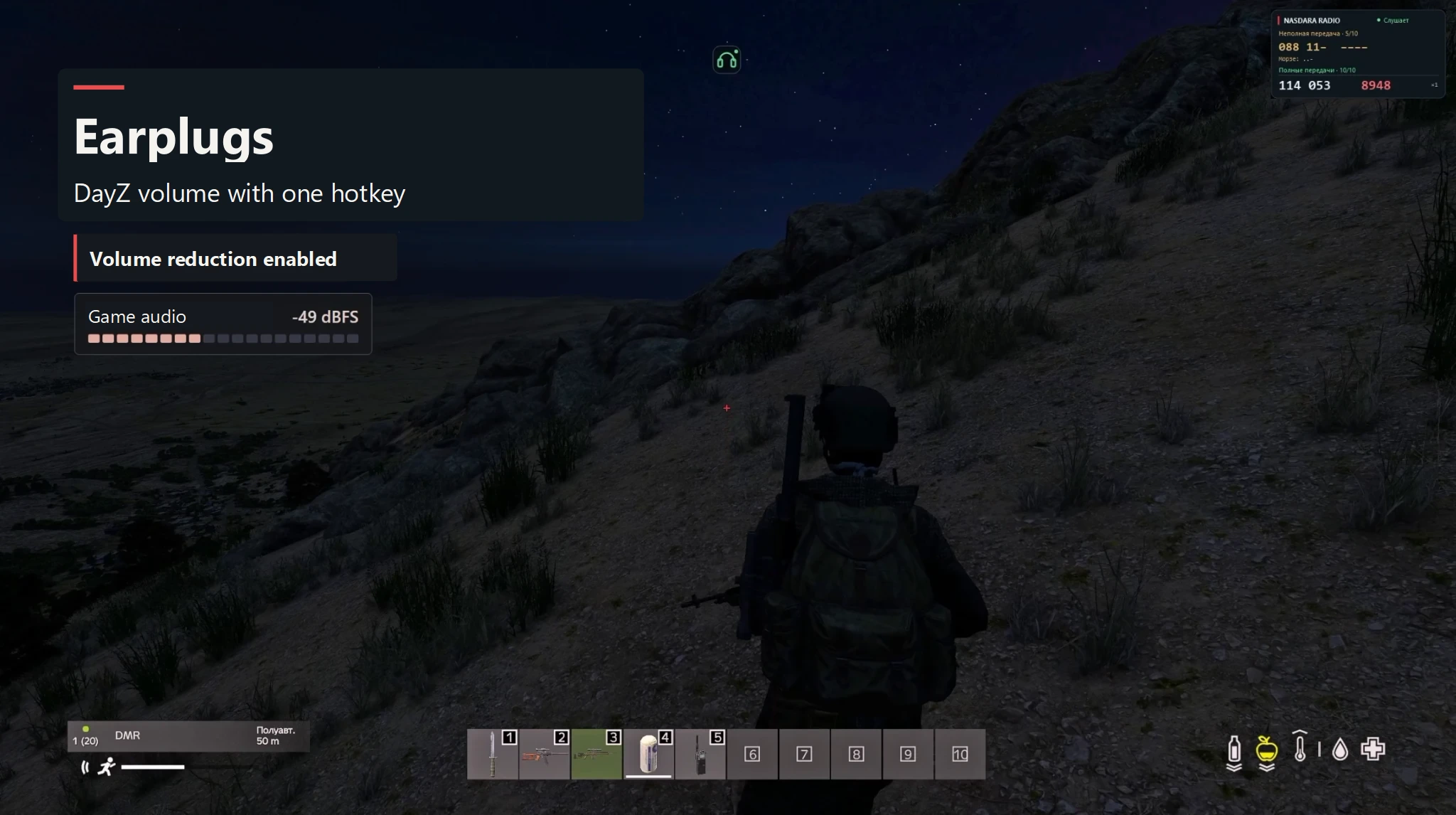
Switch between 100% DayZ audio session volume and a quieter level you choose.
Features
Adjustable volume
Set DayZ volume with earplugs on from 0 to 100% in 5% increments.
Quick switching
Press the hotkey again to reset the DayZ audio session volume to 100%.
Leaves other apps unaffected
Discord, browsers and other apps keep their own volume levels.
Companion interface
Open the screenshot to take a closer look at the interface.
How to use earplugs
Start DayZ
Check that game audio is playing.
Set the volume
Open Earplugs, enable the module, choose a level and assign a hotkey.
Try both levels
With DayZ focused, activate the quieter level and press the hotkey again to reset the DayZ audio session volume to 100%.
Frequently asked questions
What if the game stays at the same volume?
Check that DayZ is playing sound, Companion can see it and no other action uses the shortcut.
Can earplugs reduce individual gunshots?
The volume change applies to the whole game audio session.
How do earplugs work?
Companion adjusts the DayZ audio session in Windows without changing the volume of other apps.
Does the game need to be running?
Yes, the DayZ audio session must be available.
Can I use earplugs while running?
Yes. The hotkey also works while holding W and Shift.
Do earplugs stay on after restarting DayZ?
No. Earplugs start off when you relaunch the game.


Download DayZ Companion
Find the current build and first-run instructions on the download page.