 DayZ Companion
 DayZ Companion tool
On-screen crosshair for DayZ
Select the Crosshair tool in Companion and adjust it to suit your screen.
Features
Draws a marker over the image
The marker is drawn in a separate overlay.
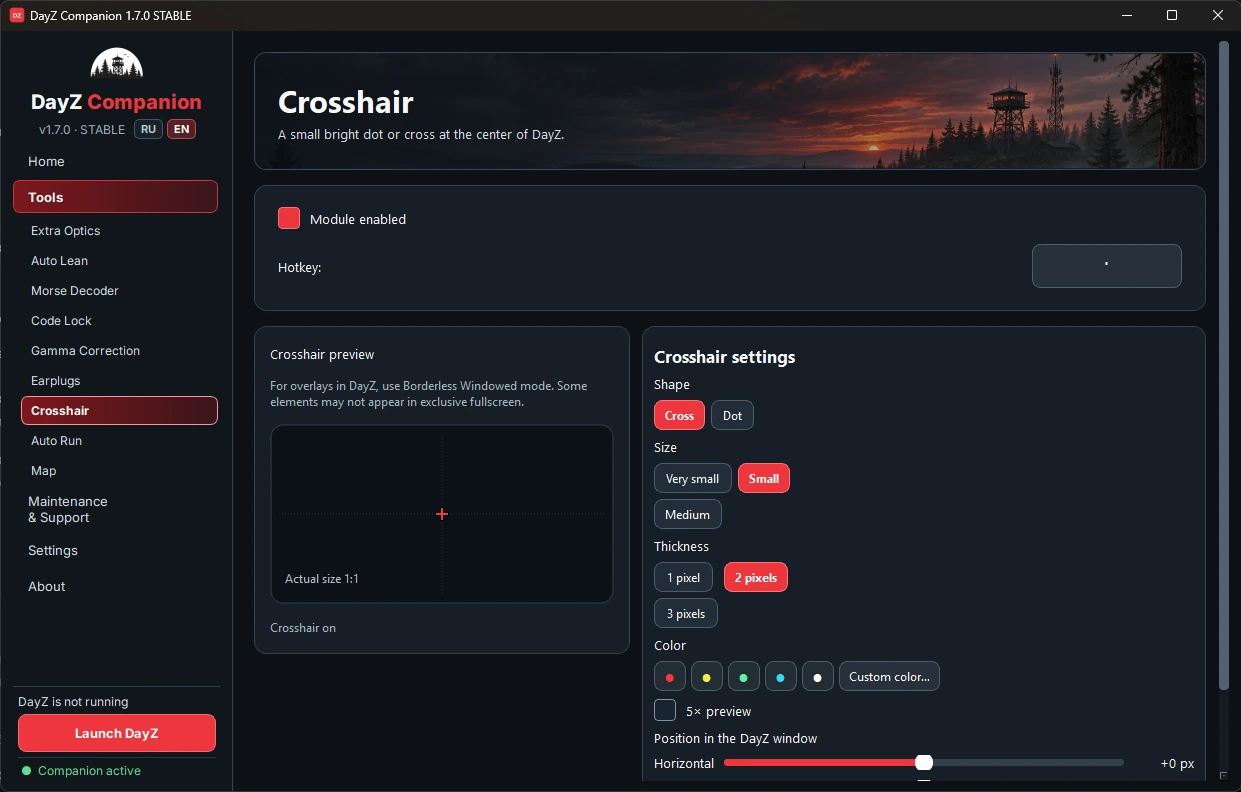
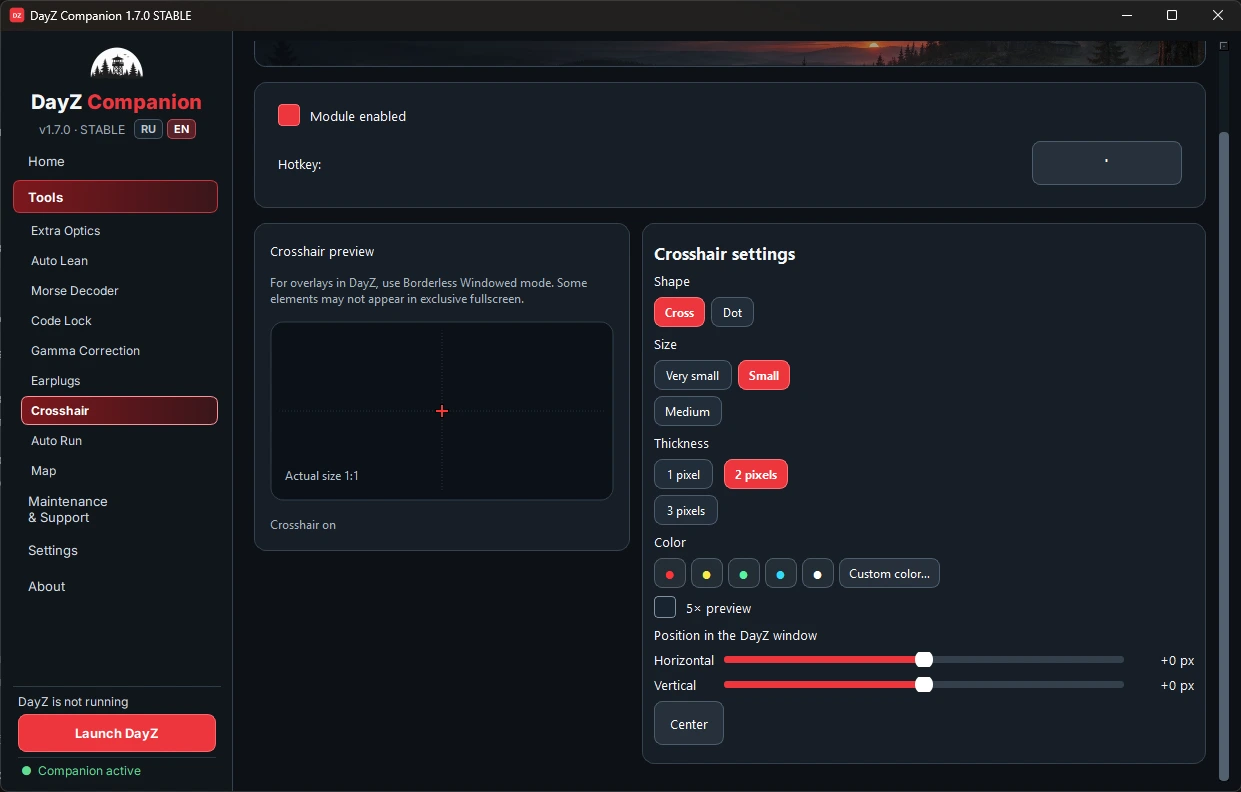
Flexible crosshair settings
Choose a dot or cross, size, thickness and colour. Adjust its horizontal and vertical position and check the preview.
Companion interface
Open the screenshot to take a closer look at the interface.
How to enable the marker
Open Crosshair
Select the tool in the control centre.
Set the appearance
Choose your marker settings and check that it is easy to see.
Test the overlay
Enable it with DayZ in borderless windowed mode.
Frequently asked questions
Why can’t I see the crosshair?
Check that the tool is enabled and DayZ is in windowed or borderless windowed mode.
Does the marker change how aiming works?
The marker is a visual reference. Ballistics and aiming remain part of the game.
Can I change the crosshair shape and colour?
Yes. Choose the shape, size, thickness and colour in the tool settings.
How is the crosshair displayed?
Windows displays it as a separate overlay. Exclusive fullscreen may hide it. Check the server rules.
Can I adjust the crosshair position?
Yes. Offset the position by up to ±20 pixels on each axis or reset it to the centre.
What happens when I open the map?
The crosshair hides automatically when the Companion map opens or DayZ loses focus.


Download DayZ Companion
Find the current build and first-run instructions on the download page.