 DayZ Companion
 DayZ Companion tool
Use your mouse to steer your character.
Features
Holds the movement input
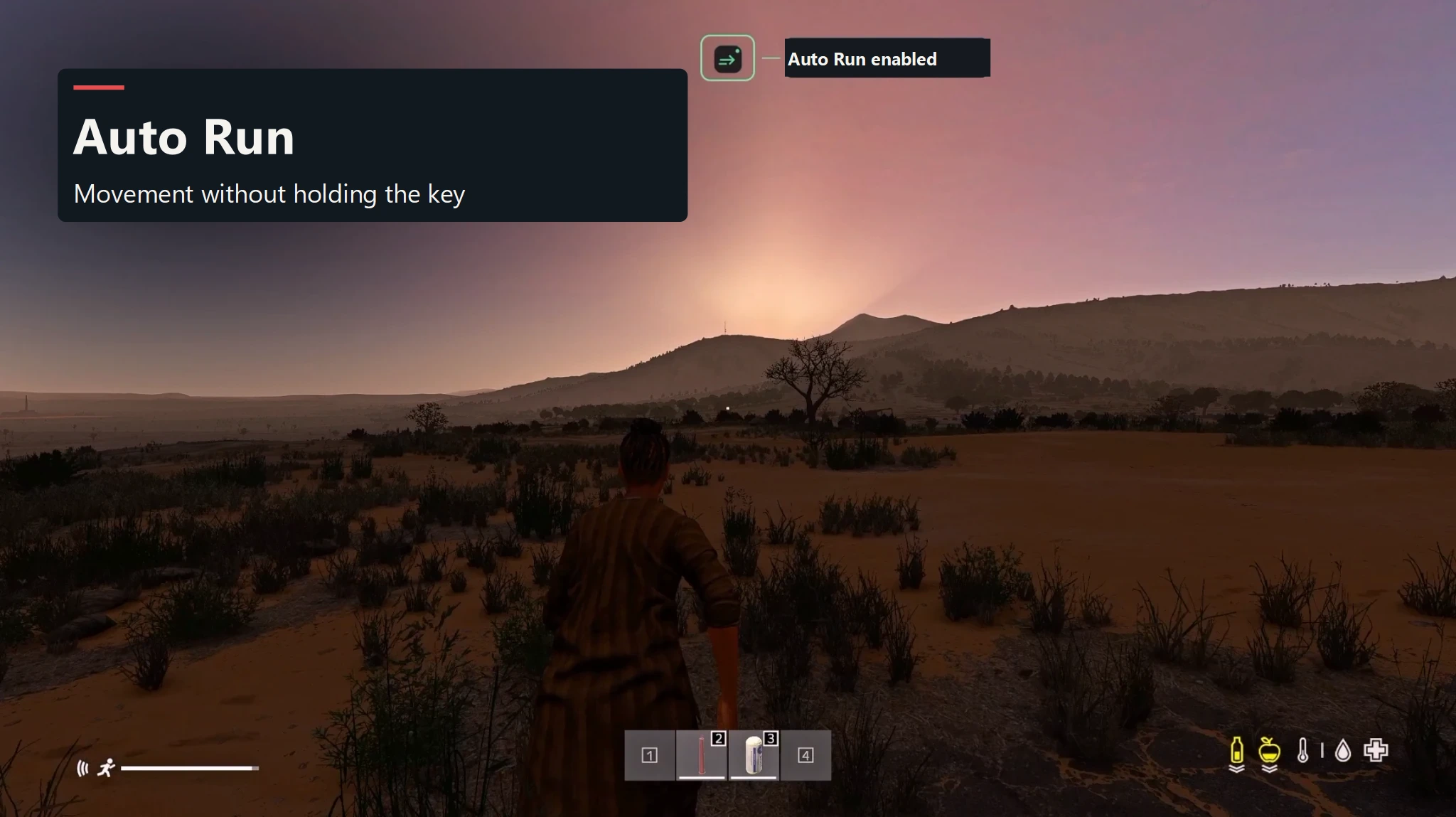
Keep moving forward without holding the key down yourself.
Stops automatically
Press W, A, S or D, open the Companion map or switch away from DayZ to stop Auto Run.
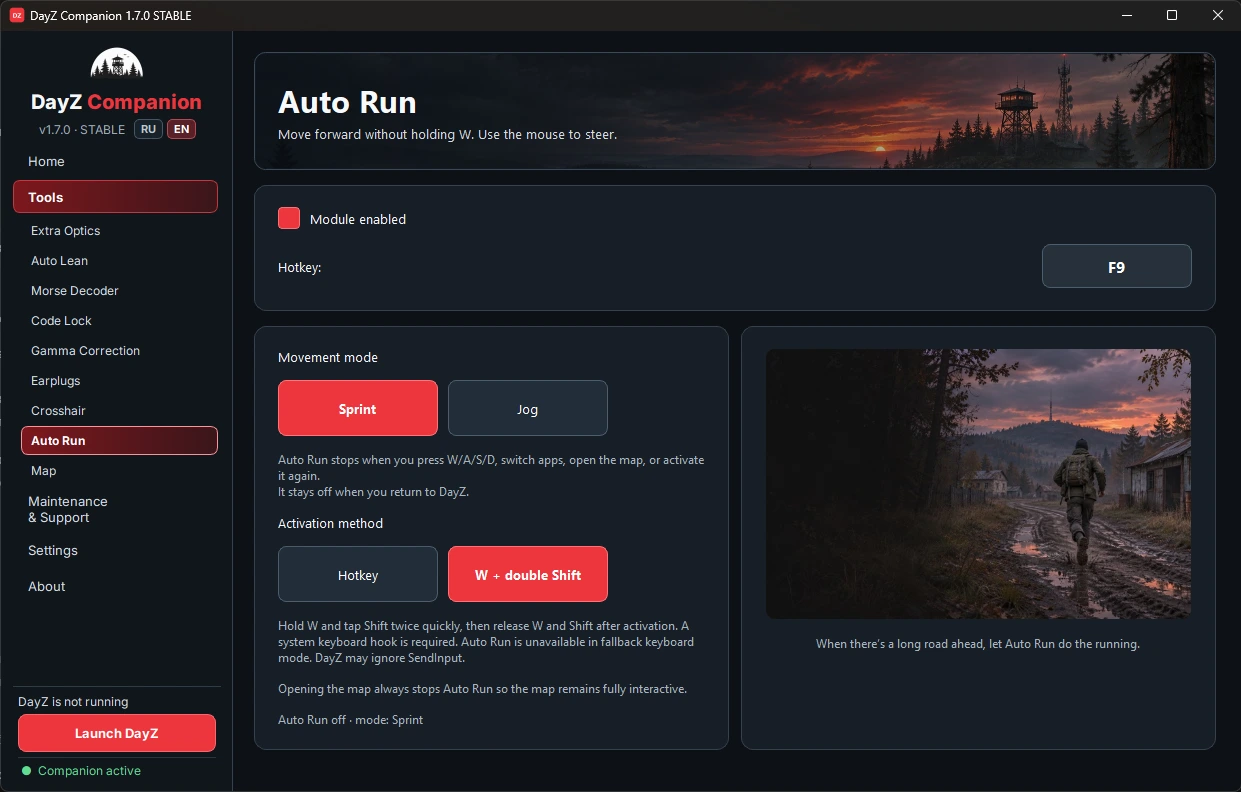
Companion interface
Open the screenshot to take a closer look at the interface.
How to use Auto Run
Open Auto Run
Enable the module, choose jog or sprint and select a hotkey or W + double Shift as the activation method.
Start the tool
With DayZ focused, press the assigned hotkey (release movement keys and Shift first), or hold W and tap Shift twice quickly. Release W and Shift after activation. Use the mouse to steer.
Stop moving
Press W, A, S or D, open the Companion map or switch to another window. If you started Auto Run with a hotkey, press it again to stop.
Frequently asked questions
Why is my character standing still?
Make sure DayZ has focus and check the in-game movement binding.
Does Auto Run choose a route?
You are responsible for steering and avoiding obstacles. Auto Run holds movement input.
How does Auto Run work?
Companion sends simulated keyboard input while DayZ is focused. Check the server rules on input automation.
Does Auto Run resume when I return to the game?
No. After DayZ loses focus, you need to activate Auto Run again.
What are the keyboard input requirements?
A compatible Windows keyboard hook is required. Auto Run is unavailable in fallback keyboard mode. The game may ignore simulated input.


Download DayZ Companion
Find the current build and first-run instructions on the download page.